Stylized Plaster Wall Tutorial - VOL 04
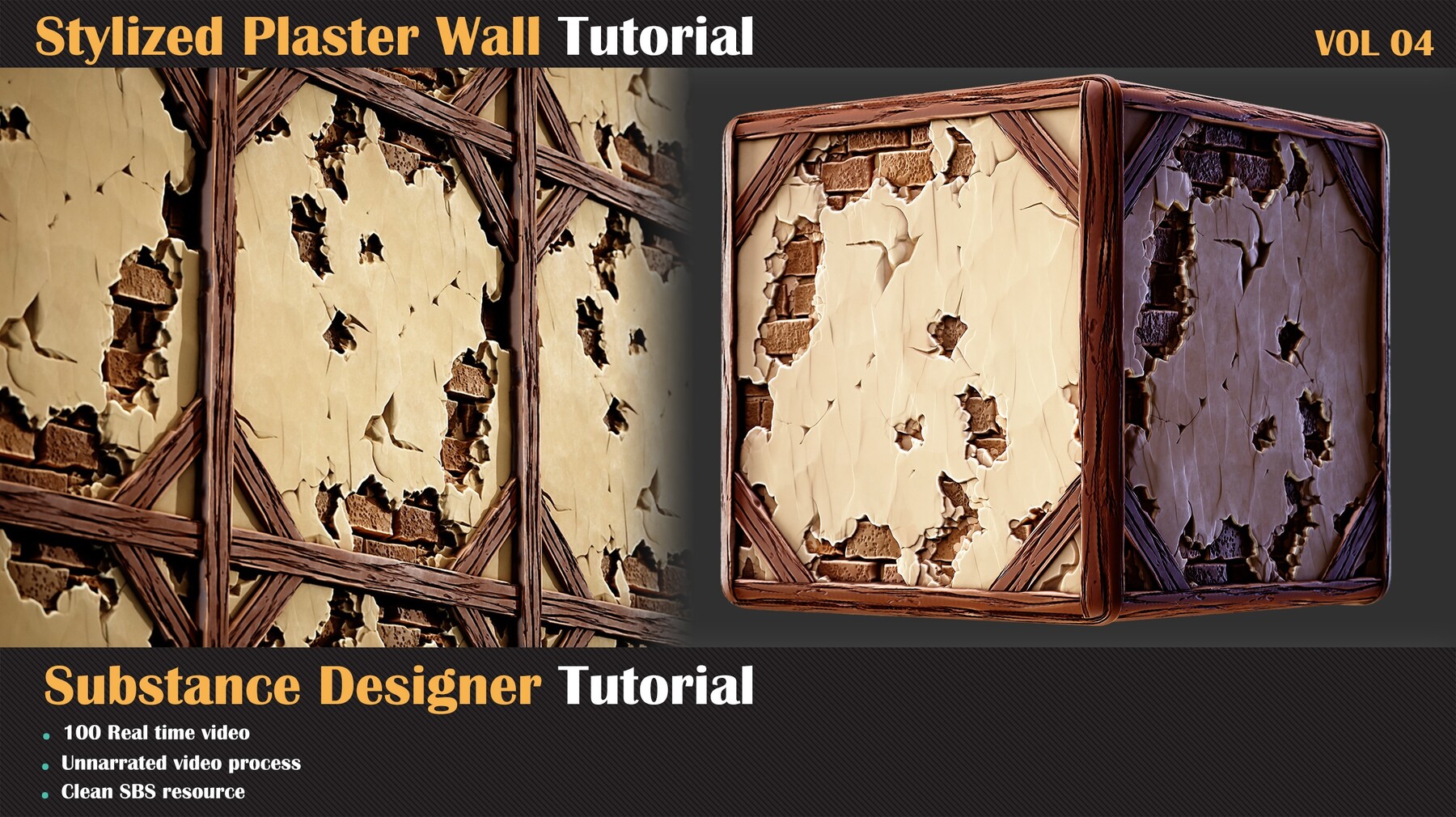
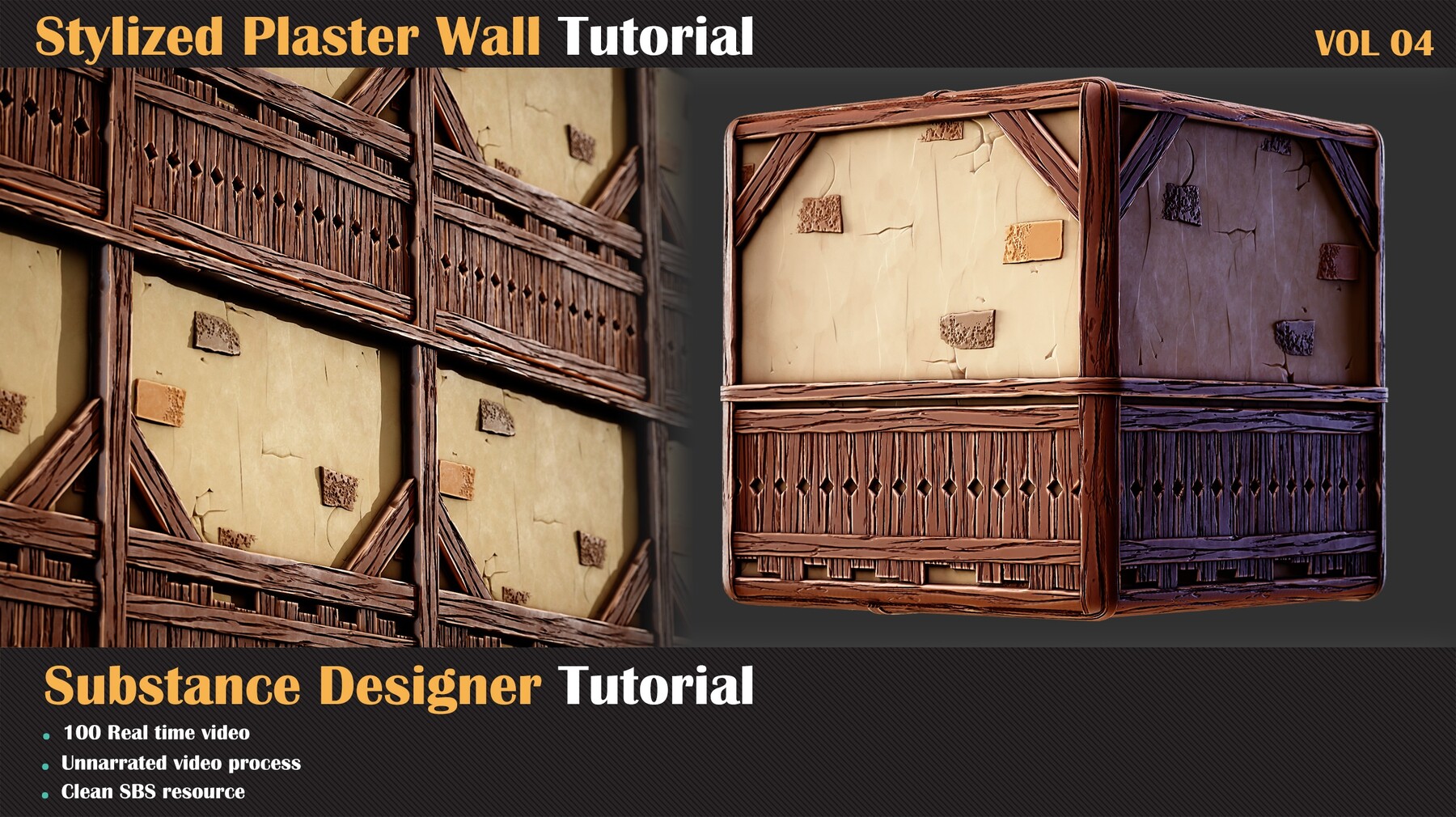
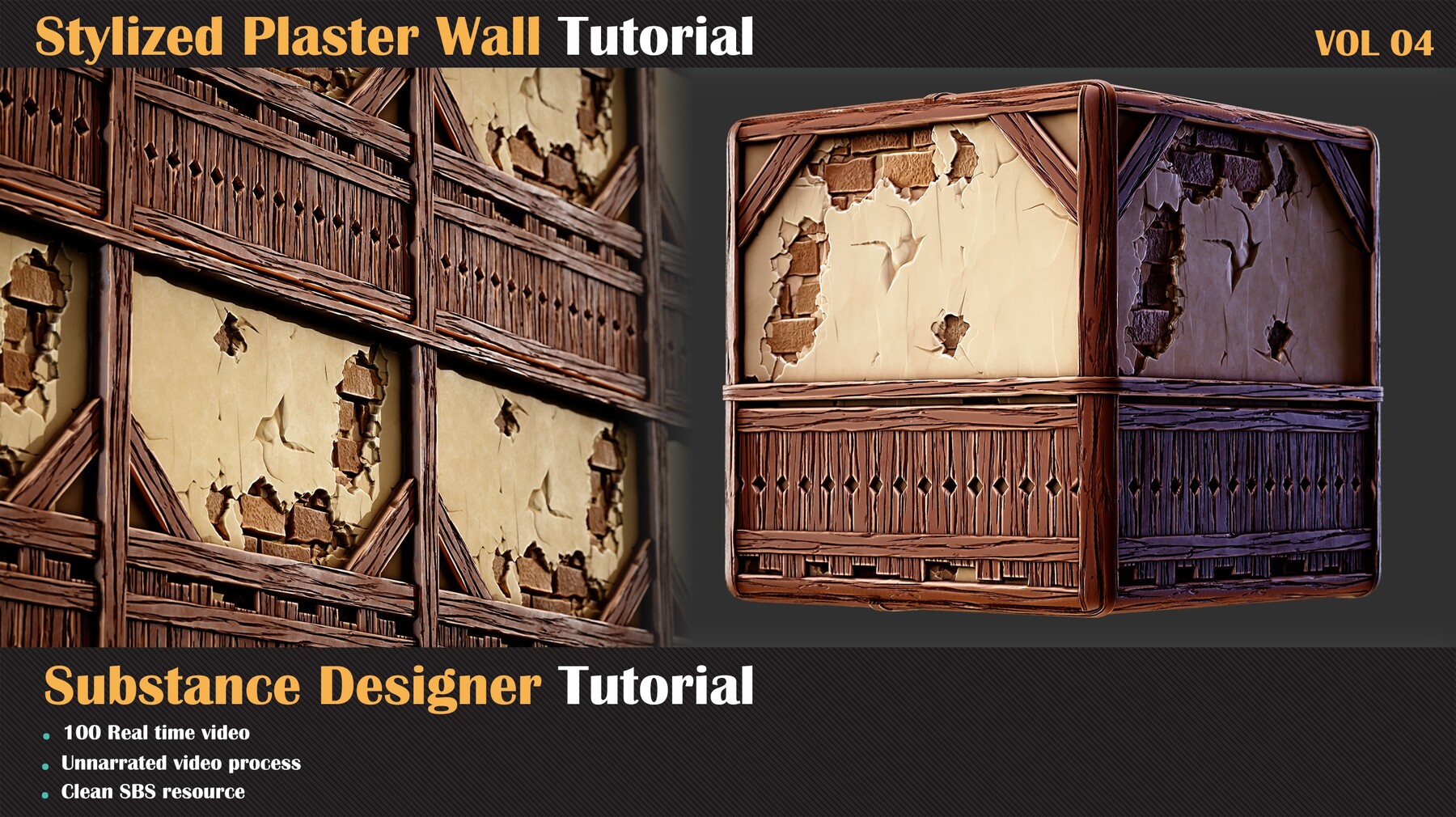
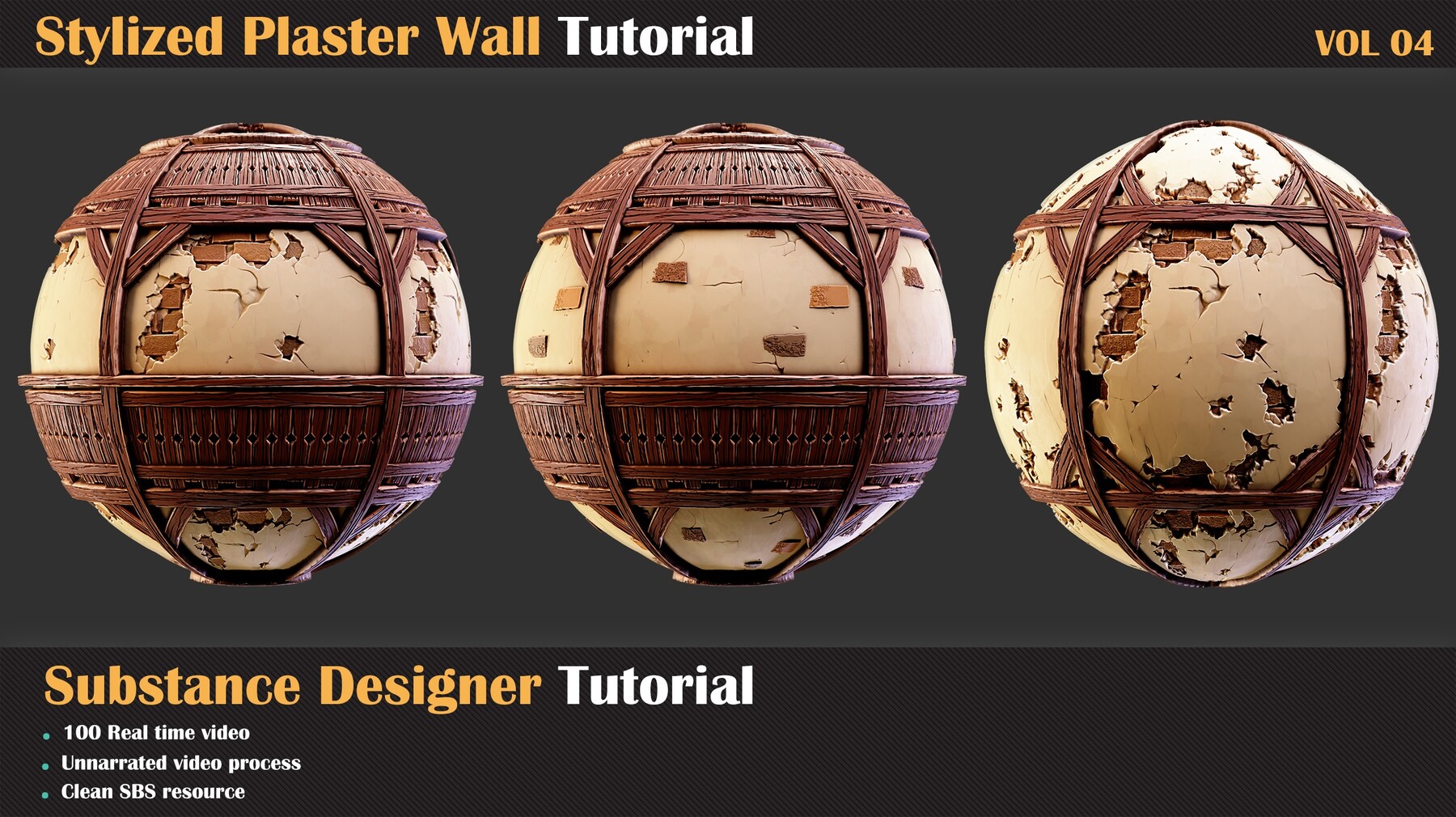
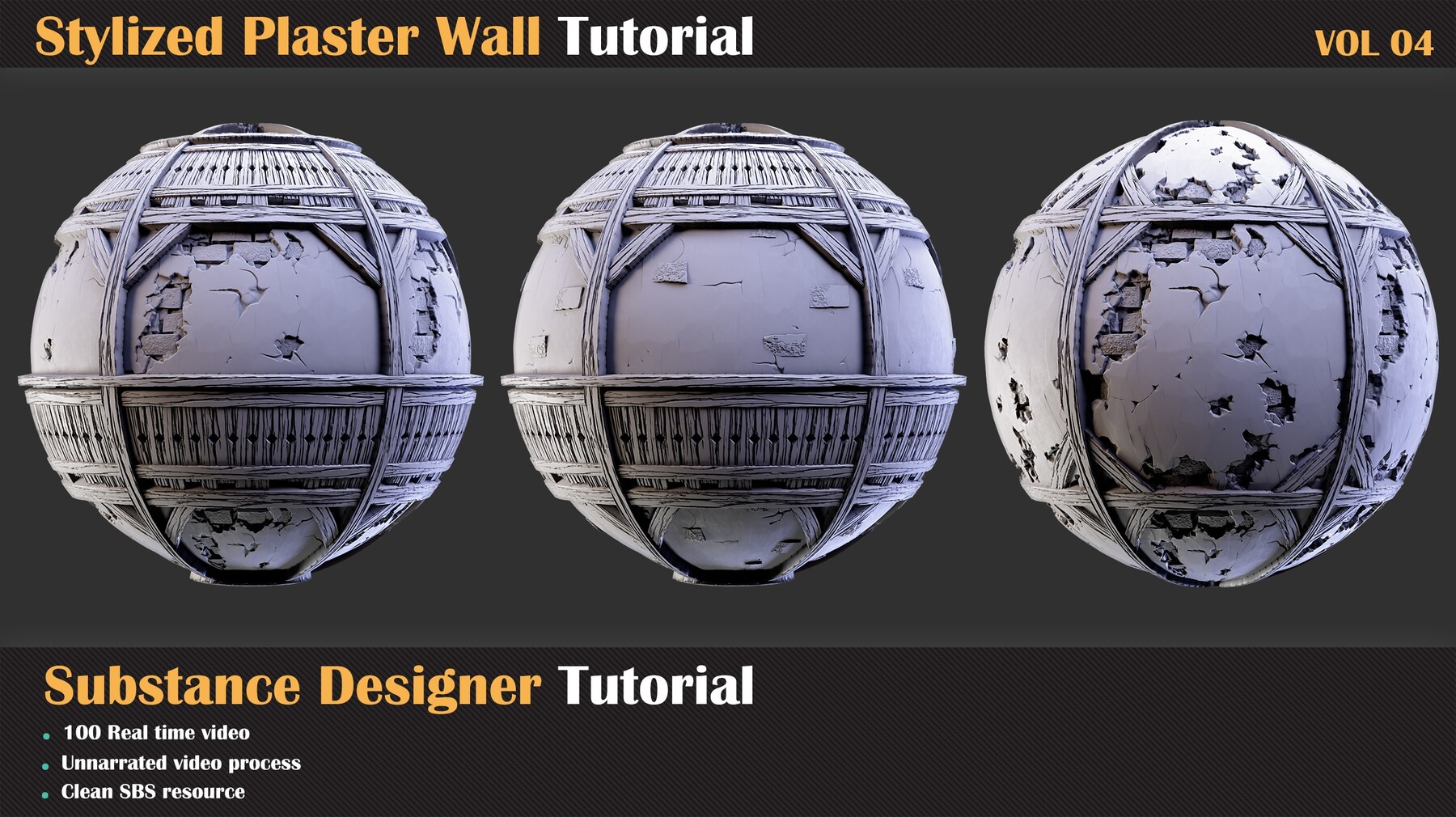
How to make Stylized wall in Substance Designer
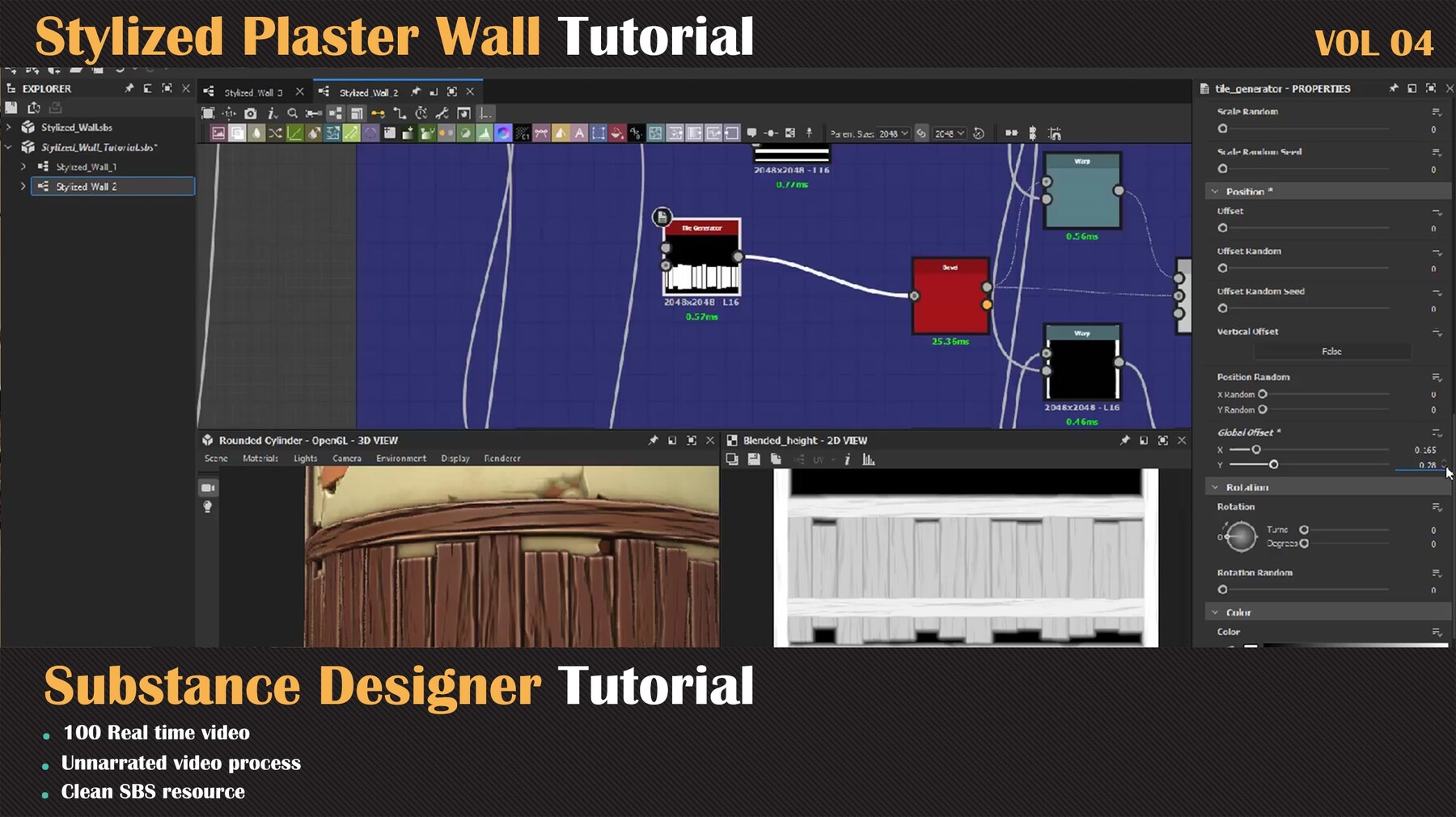
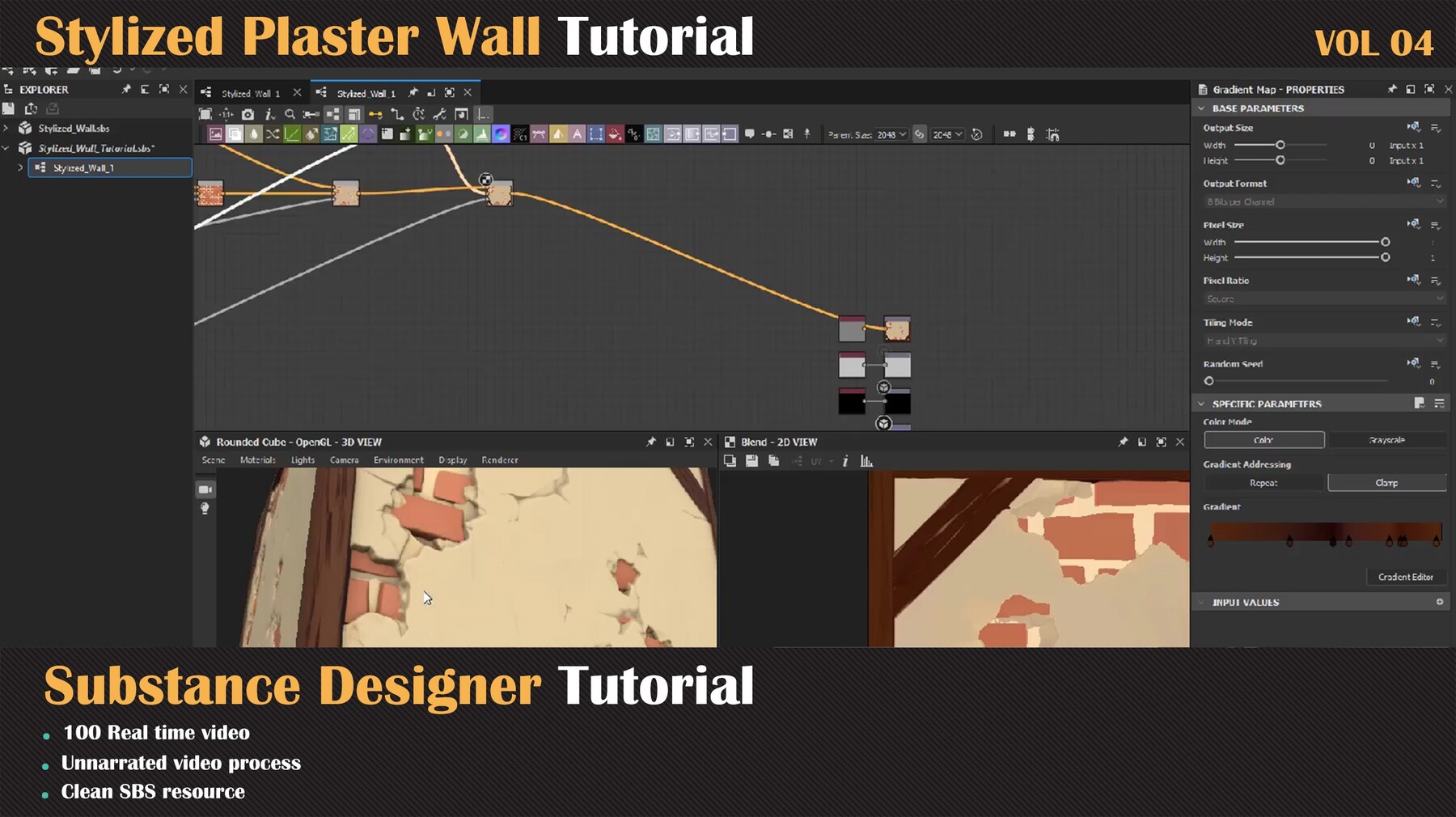
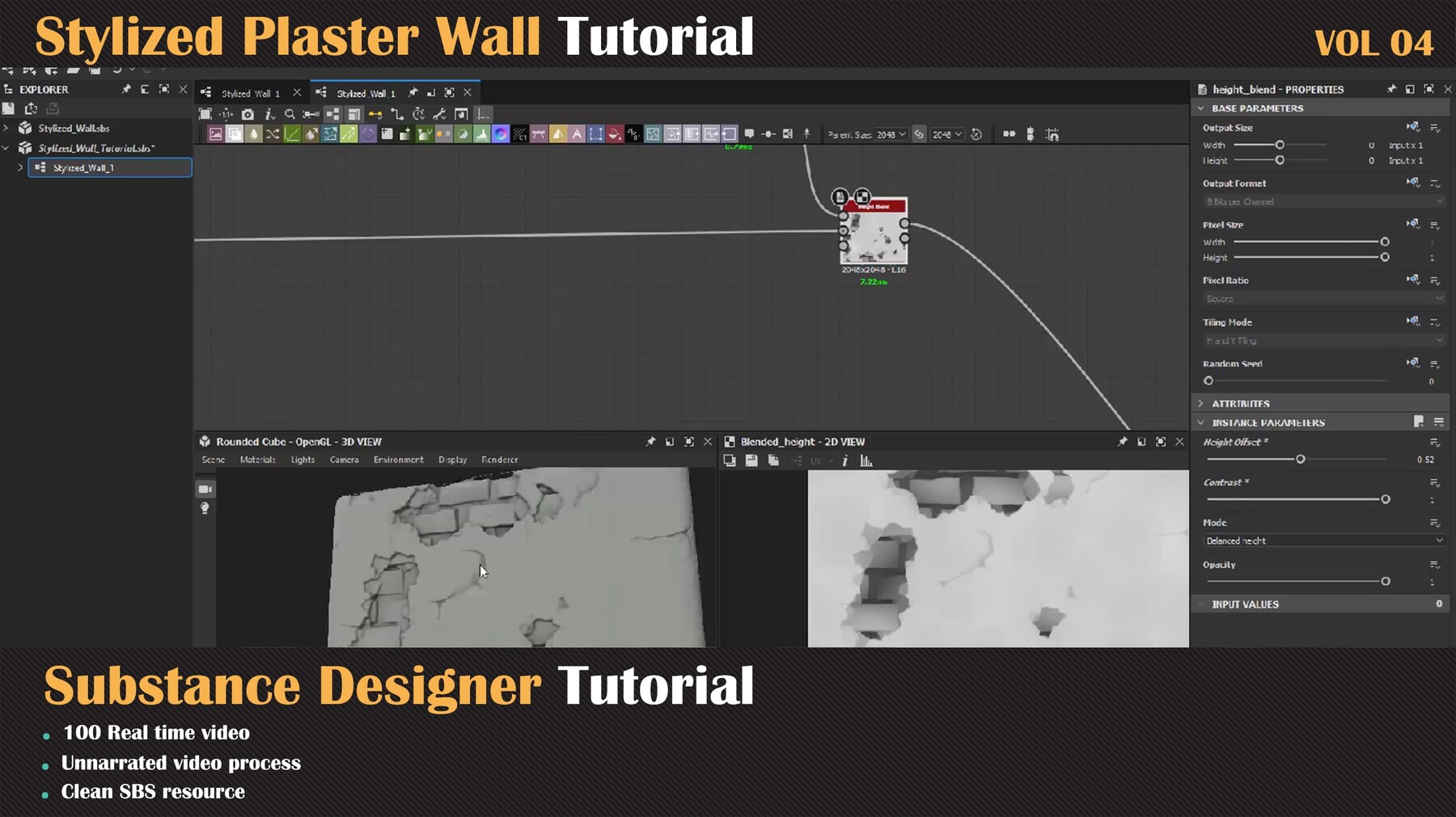
In the continuation of the designer training series, we will take a new style in this series and learn how to make a stylized wall with two different wooden structures in the designer. In these process videos, you see all steps in the designer that we take to reach the result.
Contents:
100 minutes unnarrated videos
1080 Resolution
Chapters:
Chapter 01- First Step: In this chapter, we are going to create a different surface for blending. First, we are going to create bricks and modify that to reach what we want, and after that, we are creating a plaster cover for the wall, after blending these two we are going to make and add a wooden structure to the wall.
Chapter 02- Second Step: The next step is creating the color data and roughness for this material. For this tutorial, we are using the gradient map and sampling colors from different images and blending them to get what we want. And for roughness data, we are using a simple and effective way.
Software Used:
Substance Designer
Level:
Intermediate
Prerequisite Basic knowledge of Substance Designer
Attention: clean SBS file are included in this product that you can study over that
Attention: all videos are unnarrated (it means there are no voice-over videos or subtitles)
--------------------------------------------------------------------------------
The other products too:
Handmade Mosaic Tutorial - VOL 03: https://www.artstation.com/a/15064540
Broken Tiles Tutorial - VOL 01:https://www.artstation.com/a/14922290
Damaged Concrete Tutorial VOL-02: https://www.artstation.com/a/14950781
Facade In Substance Designer Tutorial: https://www.artstation.com/a/5308958
Military Radio In Substance Designer Tutorial: https://www.artstation.com/a/3998064
And other Products: